Fellows, check the new bio section on the Hub and find out how to update it
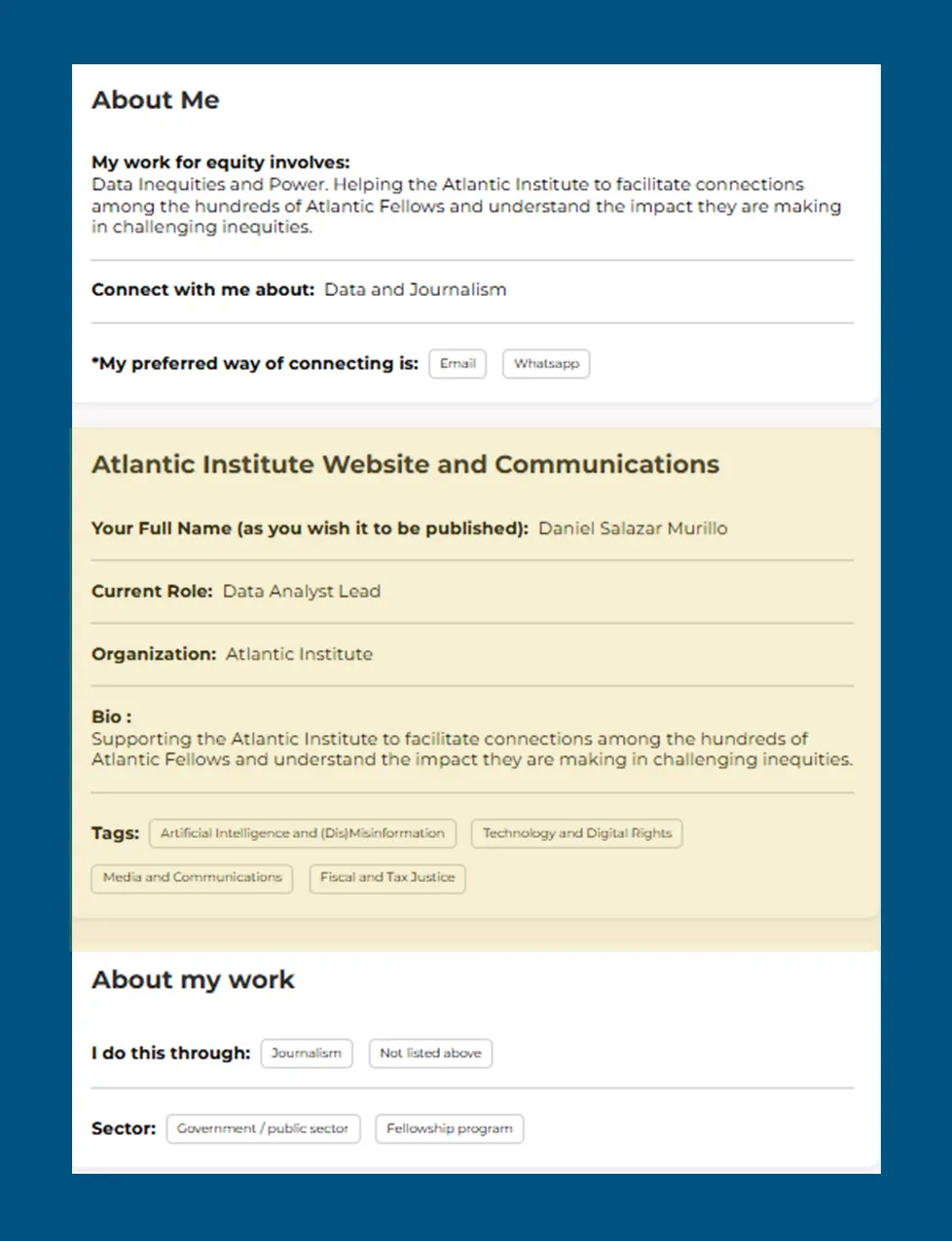
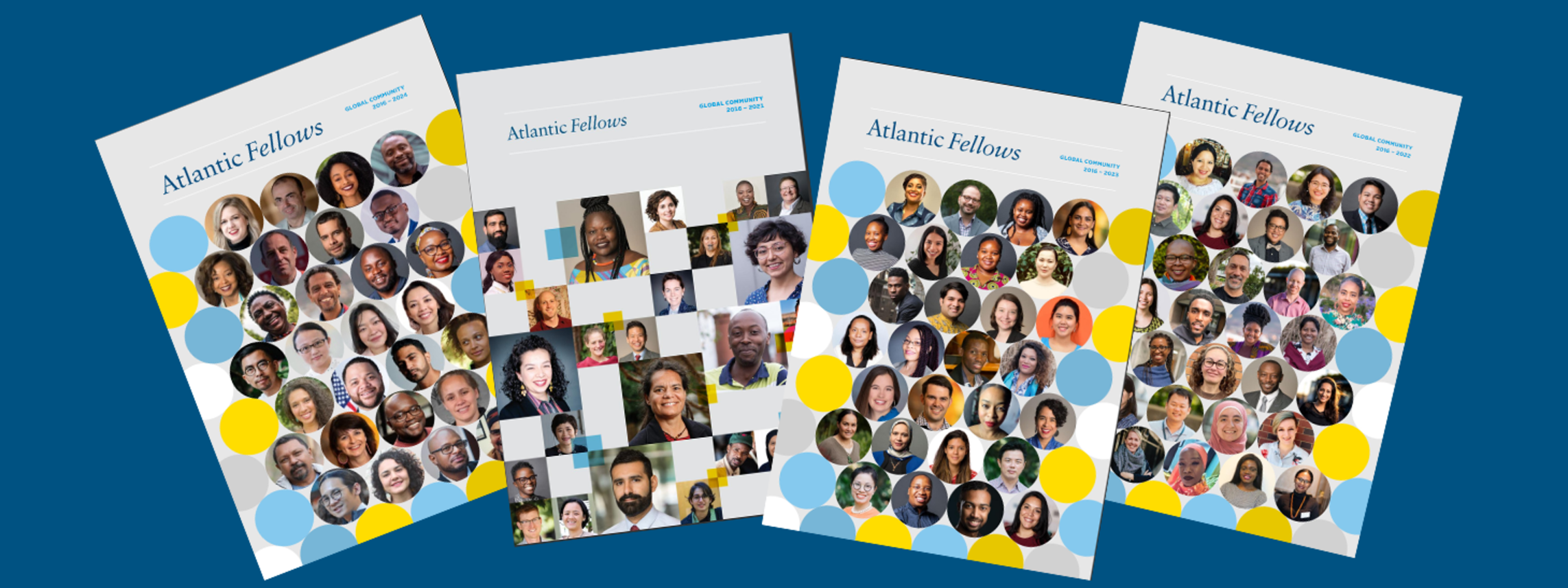
We have started to plan the next "Global Community Book," the annual publication that captures the biographies of all the Atlantic Fellows from every cohort and year group across the seven programs. This year, for the first time, you can check that all the details used in our communications are accurate and up to date by going to your new "professional" profile on the Hub and revising it if necessary. You will find your "professional biography" by clicking on the profile photo in the upper right corner of the Hub and then on "My profile."
On "My profile" below the section “About Me,” you will see a new section called “Atlantic Institute Website and Communications.” The fields currently hold information about you from the profile submitted for last year's “Global Community Book.”
OUR EDITORIAL HOUSE STYLE
Here are the guidelines for updating your content:
- Please write your bio in American English (the Associated Press Style Guide), not U.K. English.
- Make your job title no longer than 150 characters including spaces and punctuation.
- Under "mailing city and mailing country," please provide the place where you live rather than the locations relevant to your areas of work.
- Bio details (under your name and location) should be no longer than 250 characters including spaces and punctuation.
- The house style is always to start your bio with a verb form that ends in "ing" e.g., “Directing…” “Leading…” “Developing…” and so on.
WE MAY MAKE FURTHER EDITS
Even after you have updated your bio, we may need to make some minor edits to your Hub profile (in the section Atlantic Website and Communications) so it aligns with our house style. However, these changes will be visible on the Hub "professional" profile. If you have any concerns or questions about these edits, contact Maria at the Atlantic Institute
NEW FELLOWS AND STAFF
Newly inducted Fellows and program staff do not need to fill in the new section of their profile on the Hub. The program communications lead/manager will provide the necessary details.
IF YOU ARE NOT ON THE HUB YET
Once you have graduated, your Atlantic Fellows program gives the Atlantic Institute your name to allow us to create your @atlanticfellows email address. Go to gmail.com to activate your atlanticfellows.org email account if you haven't already. When you first log in, you will see an email in your inbox inviting you to activate your Hub account. Then you can access the Hub by putting the following URL in your web browser: https://af-hub.org/
If you experience any difficulties with the Hub, please email [email protected]
And finally, remember to select three to five tags based on how you wish to connect with others. Thank you for your time and help!