
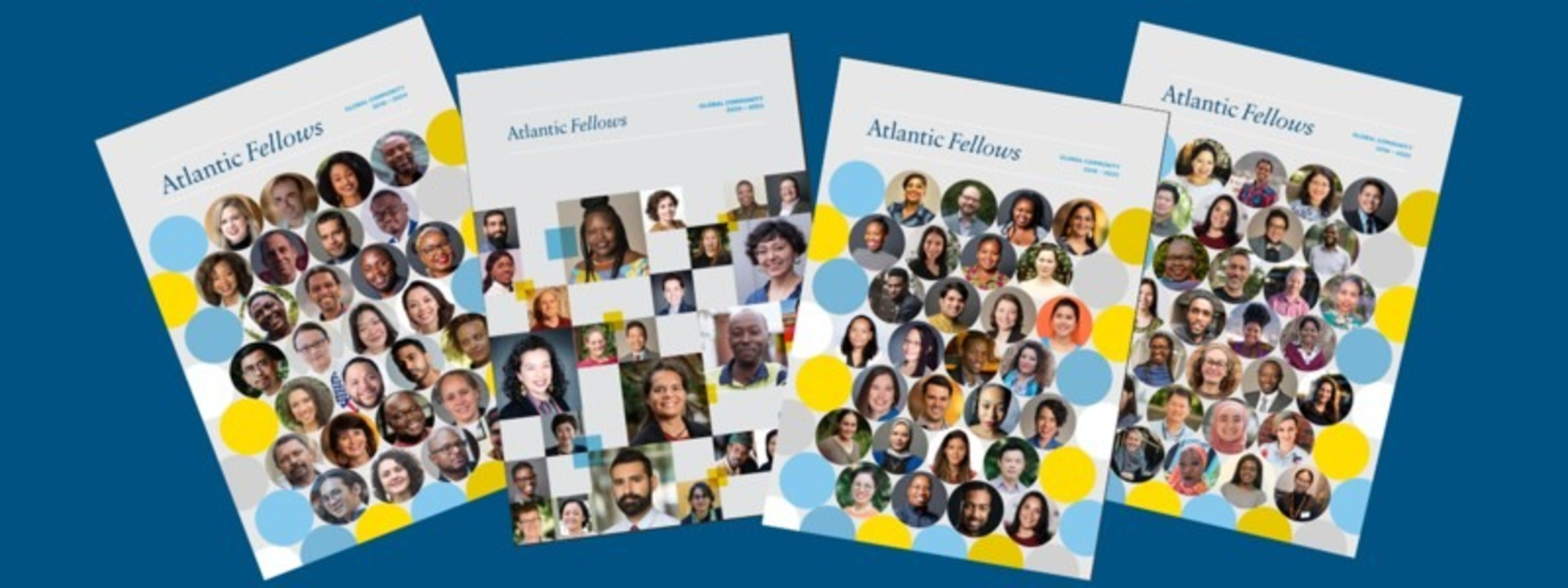
Update your Hub bio by March 31 — for the 2026 Global Community Book
It’s an honor to showcase your story, achievements and impact — and an important way of sharing this with our readers is through the Atlantic Fellows website and in our Atlantic Institute publications such as the Global Community Book.
Take a moment to check out your details on the Hub and see how you’re being highlighted! Your bio is officially live in the Connect section 🎉
You can find your "professional biography" by clicking on the profile photo in the upper right corner of the Hub and then on "My profile."
Below the section “About Me,” you will see the headline “Atlantic Institute Website and Communications.” The fields currently hold information about you from the profile submitted for last year's Global Community Book.
Celebrate any new job moves or interests by updating your details on the Hub as soon as possible. If everything looks good, you’re of course welcome to leave your profile just as it is.
GUIDELINES FOR WRITING YOUR BIO
- Please write your bio in American English (not U.K. English).
- Make your job title no longer than 150 characters, including spaces and punctuation.
- Under "mailing city and mailing country," please provide the place where you live rather than the locations relevant to your areas of work.
- Bio details (under your name and location) should be no longer than 250 characters, including spaces and punctuation.
- Remember to select three to five tags based on how you wish to connect with others.
- Start your bio with a verb form that ends in "ing" e.g., “Directing…” “Leading…” “Developing…” and so on. This is our house style and creates an immediate sense of action and impact.
UPDATE YOUR PHOTO TOO!
Also, you can use this form to upload a new portrait photo of yourself if you would like us to update the one used in your profile for the 2026 Global Community Book.
THE DEADLINE
You have until March 31 to update your bios on the Hub for this year's Global Community Book.
WE MAY MAKE MINOR TWEAKS
We may tweak your Hub profile afterward to ensure it is written in our house style. However, you will see any changes we make in your Hub "professional" profile. If you have any concerns or questions about any changes, please email the communications team
NEW FELLOWS
New cohorts do not need to fill in the new section of their profile on the Hub.
WHAT IF YOU HAVE NOT YET ACTIVATED YOUR HUB ACCOUNT?
After you graduate, your Atlantic Fellows program shares your name with the Atlantic Institute, allowing us to create your @atlanticfellows.org email address. The timing of when the email is created may vary across the programs.
If you haven’t already, please go to gmail.com to activate your account. After you have logged in for the first time, you will see an email in your inbox inviting you to activate your Hub account. Then you can visit the Hub at: https://af-hub.org. Remember that you will need to use your atlanticfellows.org email address to access the news and offerings on the Hub. Get connected with the Atlantic Fellows community!
It is usually a straightforward process, but if you experience any difficulties with getting onto the Hub, please email us at: [email protected]
Spotlight your story. Share your latest details today!